How to Make a Meme
Learn how to create memes in seconds with our free online meme generator. Step-by-step guide for beginners.
How to Make a Meme in 3 Easy Steps
Making memes has never been easier. With MemeForge, you can create professional-looking memes in seconds - no design skills required.
Step 1: Choose Your Template
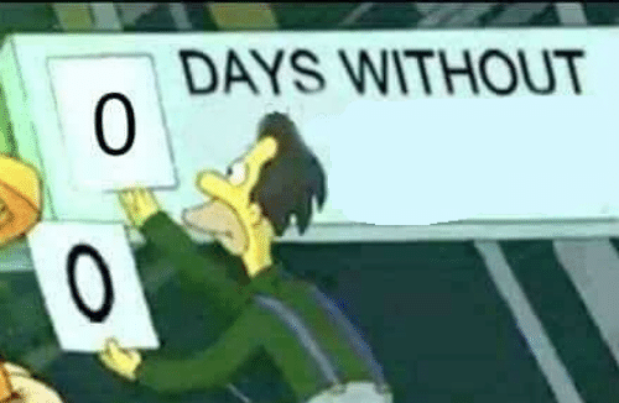
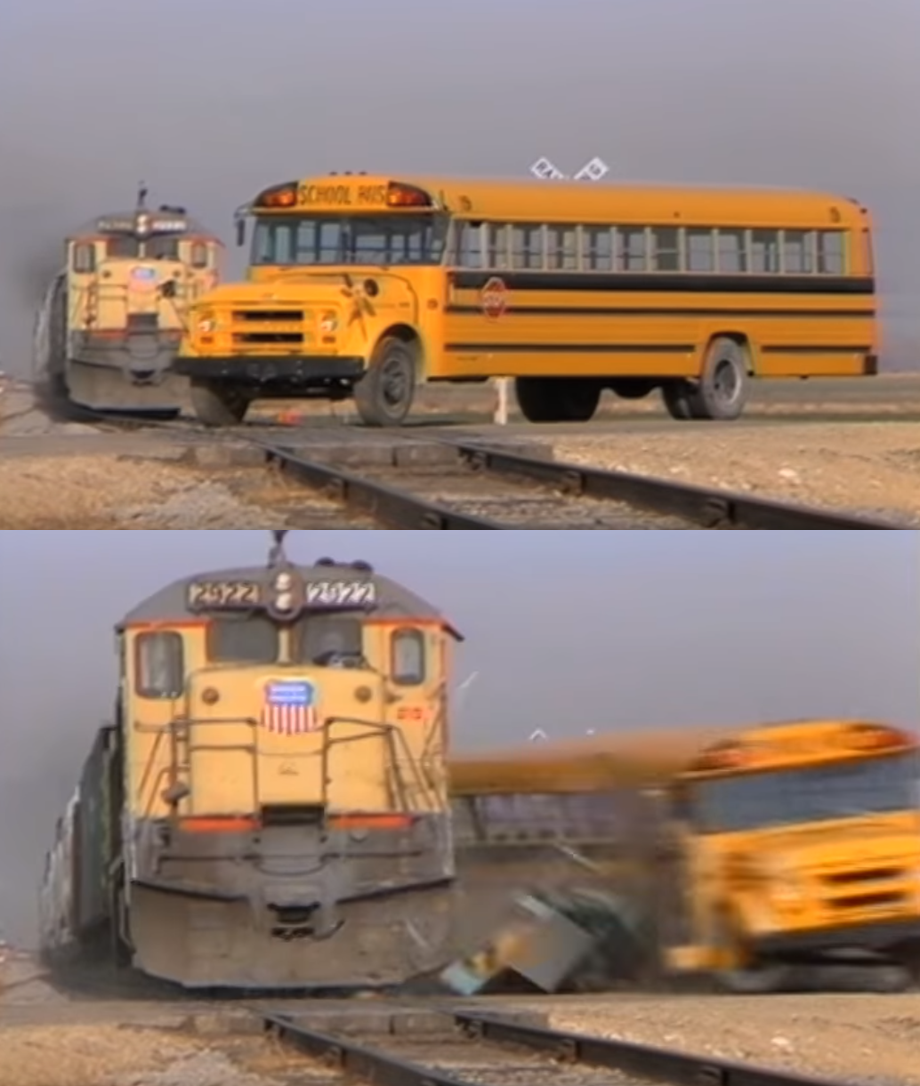
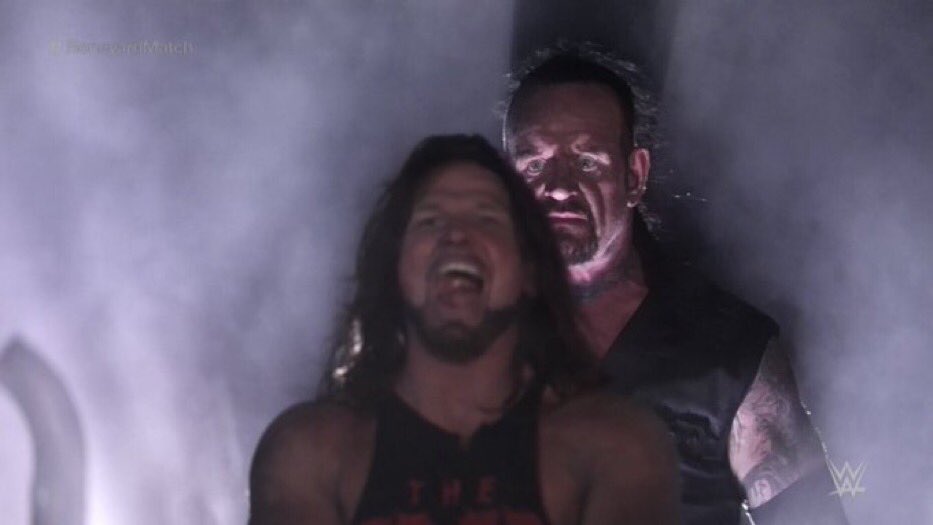
Browse our library of popular meme templates. From Drake Hotline Bling to Surprised Pikachu, we have all the classics. You can also upload your own image if you want to create something unique.
Step 2: Add Your Text
Click on the text zones to type your caption. You can:
Step 3: Download and Share
Hit the download button to save your meme as a high-quality PNG or JPG. You can also: